Sensemitter is now Emhance.
Read more

Articles
How to Join a Beta Test
Written by:
Emer Rutherford
|
Marketing Generalist

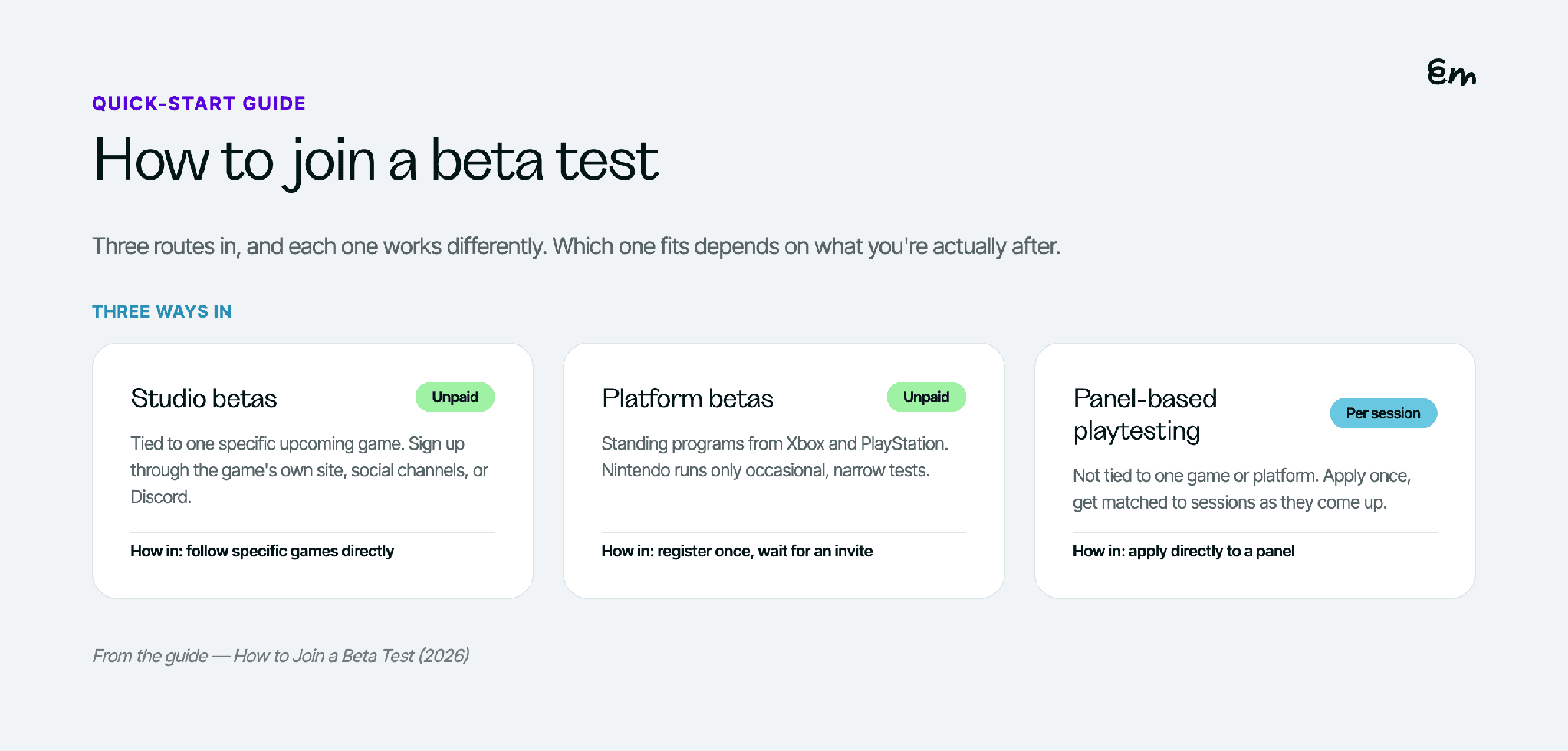
"Joining a beta" means different things depending on which kind you're after: a specific game's studio-run beta, a platform-wide program like Xbox Insider, or a paid playtesting panel that gives you access to pre-release builds as part of its sessions. Each works differently enough that the right first step depends on which one you actually want.
Studio betas
A studio beta is tied to one specific upcoming game. The studio announces a beta test, usually through the game's own website, social channels, or its store page, and opens a sign-up form asking for basic information: platform, region, sometimes your gaming history.
To find one: follow the specific studios and games you're interested in directly, check a game's official page or Discord in the run-up to launch, and sign up as early as the beta is announced, since spots are frequently limited and filled on a first-come basis. There's no universal hub for these. It's closer to checking in on specific games you already care about.
Platform betas
Console and platform makers run their own standing programs. Xbox Insider Program is free to join through the Xbox Insider Hub app and gives members early access to Xbox system software and select game betas run with developer partners, based on tenure and interests rather than a guarantee for every title. Sony runs an equivalent Beta Program at PlayStation, relaunched in 2025: a one-time sign-up covering your gaming preferences, after which specific beta invites arrive by email as they come up. Nintendo doesn't run a broad, standing program like either of these. What exists instead are occasional, narrow tests tied to a specific game or service, usually gated behind an active Nintendo Switch Online membership and open for a fixed, short window.
None of these guarantee you a spot in any particular beta. Signing up gets you into the pool; the invite itself depends on what's running and how you match what a specific test needs.
Panel-based playtesting
This is the one route that isn't tied to a specific game or platform maker. You apply to a panel once, with basic details about the games you play and the devices you own. When a session, sometimes a pre-release build, matches your profile, you're invited to play it and give feedback. It's less about waiting for a specific beta announcement and more about being in a pool that gets matched as relevant sessions come up.
What a session with Emhance specifically looks like
From your side, a session with Emhance looks like any other playtesting session: you get matched to something that fits your profile, you play on your own device, and you answer questions about the experience. The one addition is a one-time webcam check before your first session, since sessions are read for facial expressions and attention while you play, not only from what you write afterward.
It's also not tied to a single unfinished build the way a studio beta is. Sessions can be pre-release or already-live games, so this route doesn't require waiting for a specific game's beta window the way the other two do.
What to expect after signing up
For studio and platform betas: an email or notification if you're selected, instructions for accessing the build, and usually a request for specific feedback, a bug report form, a survey, or an active community channel, by a set deadline. Not every beta build is stable; that's part of what you're there to help find.
For a playtesting panel: a session invite with a set time window, a build or task to complete, and a feedback step at the end. Panels usually pay per session rather than offering early access as the only reward, which is the main practical difference from a studio or platform beta.
FAQ
Can you join more than one type of beta at once?
Yes. Registering for Xbox Insider or the Beta Program at PlayStation doesn't conflict with also joining a playtesting panel, since they're unrelated programs run by different organizations with no exclusivity requirement between them.
Do you need to be invited, or can you just sign up?
For studio and platform betas, signing up gets you into a pool, and an invite depends on what's currently running and whether you match it. For a playtesting panel, applying is the whole process; there's no separate invite stage before you're eligible to be matched.
What if you're never selected for anything after signing up?
For studio and platform betas, that's usually a matching issue, region, platform, or timing, rather than anything wrong with the sign-up itself. For a panel, an application that's too vague to match against any specific study is the most common reason nothing comes through; being specific about your devices and the games you actually play helps more than anything else.
If you want to start with the route that doesn't require waiting for a specific game's beta announcement, Emhance's playtester application is open now.